Blog
How Does 5G Home Internet Work?
Published · By Lou Flores · 9 min read
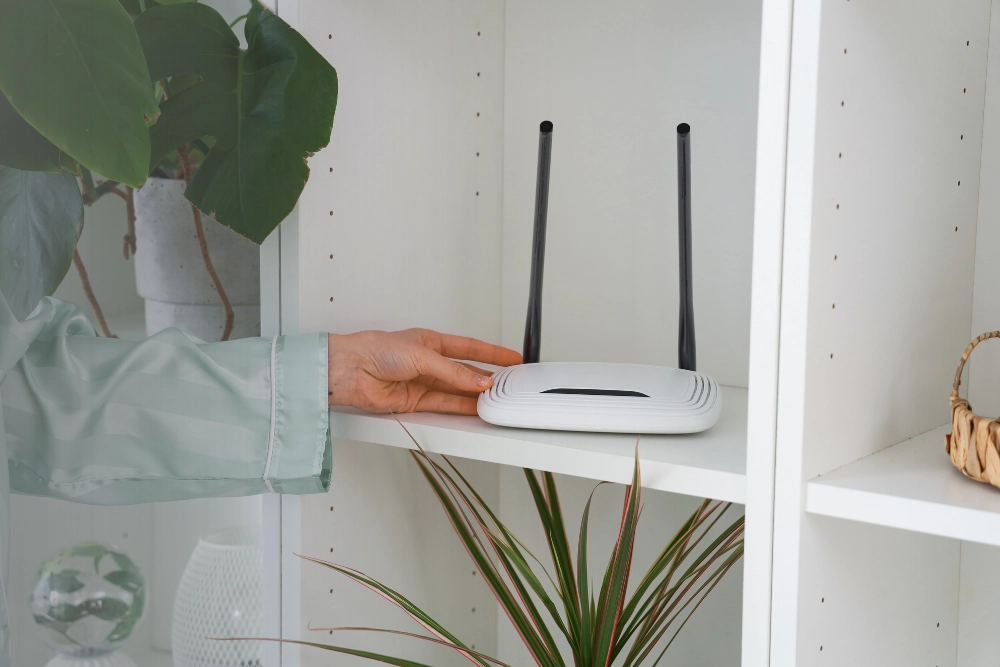
Your home internet connection doesn't always need a cable running into your house. With 5G home internet, a wireless signal from a nearby cellular tower can bring internet access directly to a gateway inside your home. That gateway then creates a Wi-Fi network for your phones, laptops, smart TVs, and other connected devices.
So, how does 5G home internet work, and what makes it different from traditional internet service? The technology is relatively straightforward, but factors such as signal strength, network congestion, and your home's location can make a significant difference in everyday performance.
In this guide, we'll explain how 5G home internet connects your devices, what equipment you'll need, what affects connection quality, and how to determine whether it's a practical option for your household.
What Is 5G Home Internet?
5G home internet is a type of fixed wireless internet service that uses a cellular provider's fifth-generation (5G) mobile network to deliver broadband connectivity to a specific address.
Instead of receiving internet service through a physical cable or fiber-optic line, your home uses a compatible gateway to receive wireless signals from a cellular network.
The gateway converts that connection into a local home network, allowing multiple devices to connect through Wi-Fi or, on supported equipment, Ethernet.
Although 5G home internet uses cellular technology similar to smartphones, it is designed to provide an internet connection for your household rather than relying on your phone's mobile hotspot.
How 5G Home Internet Connects Your Home
A typical 5G home internet connection involves four main steps.
1. A Cellular Tower Transmits the 5G Signal
A wireless provider operates cellular towers and other network equipment that transmit 5G radio signals across a coverage area.
The available signal depends on the provider's network, the frequency bands being used, and the distance and obstacles between the tower and your home.
Not every address within a broad 5G coverage area will necessarily qualify for home internet service.
2. A 5G Gateway Receives the Signal
A 5G gateway, sometimes called a 5G home internet router, contains a cellular modem that communicates with the provider's network.
The gateway is usually installed indoors. Depending on the provider and the signal conditions, placing it near a window or in an elevated location may improve reception.
Some installations may require additional equipment or professional assistance, but many residential plans are designed for self-installation.
3. The Gateway Creates Your Home Wi-Fi Network
Once the gateway establishes a cellular connection, it distributes internet access to compatible devices throughout your home.
You can connect devices such as:
-
Smartphones and tablets
-
Laptops and desktop computers
-
Smart televisions and streaming devices
-
Gaming consoles
-
Smart home devices and security equipment
The gateway may also include Ethernet ports for wired connections, depending on the model.
4. Your Devices Send and Receive Data
When you open a website, stream a video, or join a video meeting, your device communicates with the gateway.
The gateway sends and receives data through the 5G cellular network, which connects to the wider internet.
This process happens continuously while your devices are online.
What Equipment Do You Need for 5G Home Internet?
One advantage of 5G home internet is that it needs very little equipment.
The most common components include:
- 5G home internet gateway: The primary device that receives the cellular signal and provides connectivity inside your home.
- Power supply: The gateway needs a reliable electrical connection to operate.
- Wi-Fi-enabled devices: Most modern phones, laptops, televisions, and tablets can connect to the gateway's Wi-Fi network.
- Optional Ethernet cables: Some gateways support wired connections for desktop computers, gaming systems, or other compatible equipment.
In larger homes, additional Wi-Fi access points or a mesh network may help extend wireless coverage into rooms where the gateway's Wi-Fi signal is weak.
Keep in mind that a strong cellular connection to the gateway and strong Wi-Fi coverage inside your home are two different things. Both affect the experience you have when using the internet.
How Fast Is 5G Home Internet?
5G home internet speed varies considerably by location, provider, network conditions, and the technology available at your address.
Some connections can support high-definition streaming, video conferencing, online gaming, and multiple connected devices. However, performance is not identical across every household.
Several factors influence the speeds you may experience.
Signal Strength and Tower Distance
The quality of the signal reaching your gateway matters. Buildings, trees, terrain, and construction materials can weaken wireless signals.
Network Congestion
Home internet traffic may share cellular network resources with other users. During busy periods, speeds can decrease depending on network capacity and provider traffic-management policies.
5G Frequency Bands
Different 5G frequency bands offer different combinations of coverage, capacity, and signal penetration.
Lower-frequency signals generally travel farther and penetrate obstacles more effectively, while higher-frequency signals may provide greater capacity over shorter distances.
Gateway Placement and Home Wi-Fi
Even with good outdoor 5G coverage, a poorly positioned gateway or weak indoor Wi-Fi can limit performance.
Testing different approved gateway locations and checking device connections can help identify the source of slow speeds.
For households in Vancouver, Washington, or Portland, Oregon, the best way to assess 5G home internet is to check availability at the exact address rather than relying only on a regional coverage map.
Is 5G Home Internet Reliable?
5G home internet can provide a dependable connection for everyday household activities when the network has sufficient coverage and capacity.
However, reliability depends on the specific location and provider.
A home with a strong, consistent 5G signal may have a different experience from one near the edge of the service area. Network maintenance, congestion, power interruptions, and environmental obstructions can also affect connectivity.
For remote workers, gamers, and households that depend heavily on internet access, consistency may matter just as much as maximum download speed.
Before choosing a plan, consider the following questions:
-
Is 5G home internet available at your exact address?
-
What download and upload speeds does the provider typically offer there?
-
Are there data limits or traffic-management policies?
-
Does the service support your household's video calls, streaming, and gaming needs?
-
What installation and equipment requirements apply?
These questions help you evaluate the connection beyond advertised speeds alone.
5G Home Internet vs. Traditional Wired Internet
The biggest difference between 5G home internet and traditional wired broadband is how the connection reaches your home.
| Feature | 5G Home Internet | Wired Internet |
|---|---|---|
| Connection | Cellular radio network | Cable, fiber, or another physical line |
| Installation | Often self-installed | May require a technician |
| Equipment | 5G gateway | Modem, optical network terminal, or router |
| Speed consistency | Affected by signal strength and network capacity | Affected by technology, provider, and network conditions |
| Availability | Depends on 5G eligibility at your address | Depends on installed infrastructure |
| Home Wi-Fi | Through the gateway or a router | Through a router or gateway |
Fiber internet often offers particularly strong performance for households needing high upload speeds and low latency, while 5G home internet may be attractive where installation convenience or limited wired infrastructure is a concern. If you're weighing fiber, our guide to whether fiber internet needs a modem explains the equipment involved.
Cable internet can also be a practical choice, depending on available plans and local network performance.
There is no universally best connection type for every household. The right choice depends on the options available at your address and how you use the internet.
If you're comparing connection technologies, our fiber internet service options are another useful starting point.
How to Set Up 5G Home Internet
If your address qualifies for a self-installation plan, getting connected may be relatively simple.
-
Confirm service availability. Check whether a provider offers 5G home internet at your specific address.
-
Receive the gateway. The provider supplies compatible equipment according to the selected plan.
-
Position the gateway. Follow the provider's instructions for placement, often near a window or in an area with strong reception.
-
Activate the service. Complete any required activation steps through the provider's app or instructions.
-
Connect your devices. Use the provided Wi-Fi network name and password.
-
Test the connection. Check speeds and stability in the areas where you regularly use the internet.
If the connection is weaker than expected, try approved gateway placement adjustments and test both Wi-Fi coverage and cellular reception.
Is 5G Home Internet Right for Your Household?
5G home internet may be worth considering if you want a home connection without traditional wired installation or if you're comparing alternatives to your existing broadband plan.
It can be especially relevant for households that use the internet primarily for browsing, streaming, remote work, and everyday connected devices, provided the available network can support those activities reliably.
However, households with demanding upload requirements, highly latency-sensitive applications, or large numbers of simultaneous users should compare the specific performance characteristics of all available connection types.
At AllStar Home Solutions, we help customers explore home internet options based on address availability and individual needs. Our goal is to make the comparison process clearer so you can choose a connection that fits how your household actually uses the internet.
You can explore our 5G home internet service options to learn more about available solutions.
Frequently Asked Questions About 5G Home Internet
Does 5G home internet require a cable connection?
Usually, no physical internet line needs to be installed from the street to your home. The gateway receives the connection wirelessly from a cellular network. It still requires electrical power, and some installations may use additional equipment.
Can you use 5G home internet for streaming and gaming?
Yes, if the connection provides sufficient speed, latency, and stability. Streaming generally depends on available bandwidth, while online gaming can be particularly sensitive to latency and fluctuations in connection quality.
Does 5G home internet work during a power outage?
A standard gateway typically stops working when it loses electrical power. Backup power may keep the gateway running temporarily, but connectivity also depends on whether the cellular network remains operational.
Can you move your 5G home internet gateway to another address?
That depends on the provider's terms and service eligibility. Many fixed wireless home internet plans are approved for use at a registered service address, so moving the gateway elsewhere may not be permitted.
Is 5G home internet the same as a mobile hotspot?
No. Both can use cellular networks, but fixed 5G home internet generally uses a dedicated gateway and a plan intended for household connectivity. Mobile hotspot plans may have different data allowances, device limits, and usage conditions.
Find the Right Home Internet Connection
Understanding how 5G home internet works is a useful first step. The next is determining whether the technology is available and suitable for your home.
We help households compare connectivity options, including 5G, fiber, and cable internet, based on their address and internet needs.
If you're exploring home internet options in Vancouver, WA, Portland, OR, Medford, OR, or Crescent City, CA, call our team at (360) 334-2375 or explore our 5G home internet service to get started.
Compare internet and mobile options
Share a few details and a member of the AllStar team will follow up to discuss the internet and mobile options available to you and next steps.